


Category: WordPress
-
Creation of a Block Theme
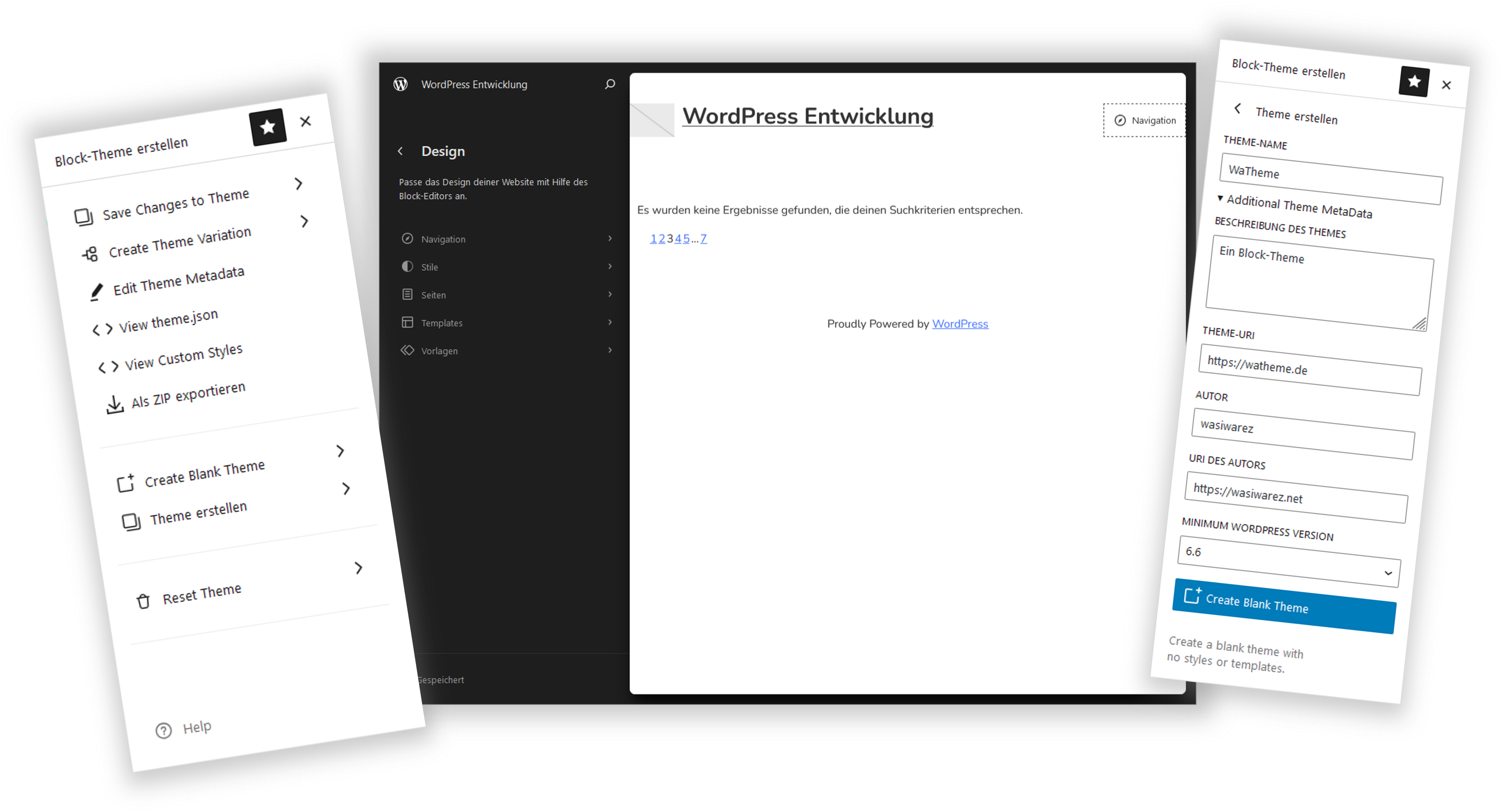
In this article, I’d like to show you how you can easily create and edit your own block theme. Creating the Theme The “Create Block Theme” Plugin With the “Create Block Theme” plugin, you can basically create your own theme at the push of a button. Alternatively, you can also create a child theme of an existing theme. After installing the plugin, the first thing you do is open the Site Editor. You can find it in the admin menu under Appearance. However, you need to have a block theme activated for this. For this example, I’m using WordPress’s own…
In this article, I’d like to show you how you can easily create and edit your own block theme. Creating the Theme The “Create Block Theme” Plugin With the “Create Block Theme” plugin, you can basically create your own theme at the push of a button. Alternatively, you can also create a child theme of an existing theme. After installing the plugin, the first thing you do is open the Site Editor. You can find it in the admin menu under Appearance. However, you need to have a block theme activated for this. For this example, I’m using WordPress’s own…
-
Remove WordPress Parent Theme Styles in Child Theme
I’m currently working on creating a child theme based on the Twenty Twenty-Four theme. I noticed that there isn’t a proper way to completely disable the Twenty Twenty-Four theme’s styles in a child theme. However, there is a workaround: it’s enough to simply create a style file in the /wp-content/themes/child-theme-name/styles folder without adding any settings or styles. Example ember.json The Ember style code with the ember.json file in the parent theme folder looks as follows. I’ve shortened it a bit here for clarity. To hide this style in the child theme, we now create /wp-content/themes/child-theme-name/styles/ember.json. It only needs the first…
I’m currently working on creating a child theme based on the Twenty Twenty-Four theme. I noticed that there isn’t a proper way to completely disable the Twenty Twenty-Four theme’s styles in a child theme. However, there is a workaround: it’s enough to simply create a style file in the /wp-content/themes/child-theme-name/styles folder without adding any settings or styles. Example ember.json The Ember style code with the ember.json file in the parent theme folder looks as follows. I’ve shortened it a bit here for clarity. To hide this style in the child theme, we now create /wp-content/themes/child-theme-name/styles/ember.json. It only needs the first…